

Create Connections
Induction to data and authentication all inside one application
Requirements:
- Rantir version 0.34.5 or higher
- SDK version 0.3.2 or higher
You can use the embedded SDK to create connections.
1 Initialize the SDK
Follow the instructions in the Embed Builder.
2 Call Connect Method
After initializing the SDK, you will have access to a property called rantir rantir inside your window object. Call its connect method to open a new connection dialog as follows.
Connect Parameters:
Connect Result
The connect method returns a promise that resolves to the following:
connection is undefined if the user closes the dialog and doesn’t create a connection.
Or if the connectionName parameter is defined, it could get rejected with an error message telling you why connectionName is invalid:
If connectionName is defined, the connection name input will be disabled and if the connection name is invalid the returned result from the connect method will be an error message describing why it is invalid.
You can use the connections piece in the builder to retrieve the created connection using its name.
.svg)

.svg)

.svg)
Documentation Overview


Licensing Explorer
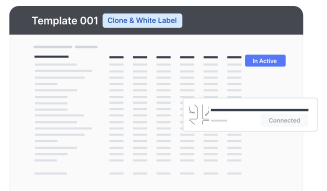
Understand our GPL and Fair Use license combination for using templates & Rantir Cloud

Data & Authentication
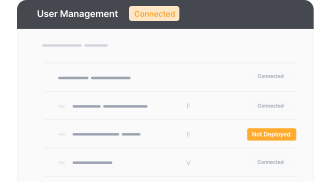
Easily test and examine endpoint behaviors by making requests with Rantir Cloud.
TIR Customization
Effortlessly tailor the visual aesthetics & functionality of your SaaS application templates and learn how to chat with your template to make changes.
.png)
Integrations & Workflows
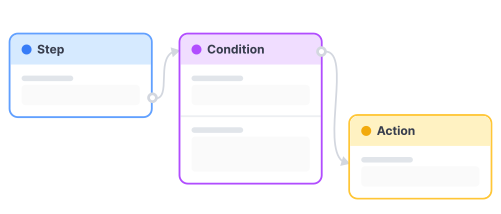
Streamline your decision-making process with an automated workflow and create robust AI applications, code-free.
Embeddings
Create user autho, form and data embeds within the CMS architecture that works with any stack to build application on top of Figma Sites, Webflow, ect.
.png)


