

Deploying your widget to our platform
This article will walk you through the process of deploying your widget to our platform.
Widgets are small applications that can be installed and run within a larger platform to provide a specific function or service. They are often used to display real-time information, perform tasks, or access social media. Widgets can be easily customized and configured to meet the needs of the user, and they can be turned on or off as needed to conserve resources.
Types of widgets
There are many different types of widgets available, including data widgets that display information such as weather or stock prices, utility widgets that perform specific tasks, social widgets that provide access to social media platforms, and media widgets that play music or videos.
Using a widget
To use a widget, it must first be installed or downloaded from a widget library or marketplace. Once installed, it can be added to the platform by dragging and dropping it into a designated widget area or by selecting it from a list of available widgets. Some widgets may require additional configuration or setup before they can be used, and they can usually be removed by deleting or uninstalling them in the same way they were installed.
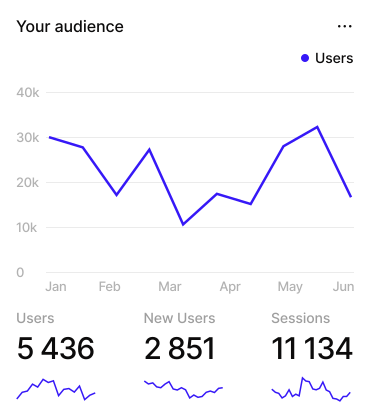
List of widget features
- Can be installed and run within a larger platform
- Provide a specific function or service
- Can be customized and configured
- Can be turned on or off as needed
- Come in many different types
- Must be installed or downloaded before use
- Can be added to a platform through dragging and dropping or selection from a list
- May require additional setup before use
- Can be removed by deleting or uninstalling
Conclusion
Widgets are a useful tool for adding functionality to a platform without requiring a full software installation. They can be used to quickly access information or perform tasks without navigating through multiple menus or screens, making them a convenient and efficient option for users. Additionally, because widgets are often small and lightweight, they do not consume a lot of system resources, making them a good choice for devices with limited processing power or storage. Overall, widgets can be an excellent way to enhance the user experience and improve productivity on a variety of platforms.
.svg)

.svg)

.svg)
Documentation Overview


Licensing Explorer
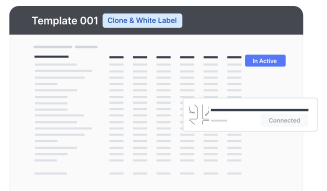
Understand our GPL and Fair Use license combination for using templates & Rantir Cloud

Data & Authentication
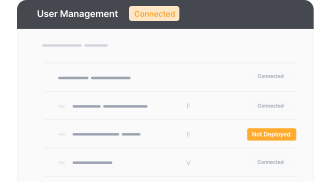
Easily test and examine endpoint behaviors by making requests with Rantir Cloud.
TIR Customization
Effortlessly tailor the visual aesthetics & functionality of your SaaS application templates and learn how to chat with your template to make changes.
.png)
Integrations & Workflows
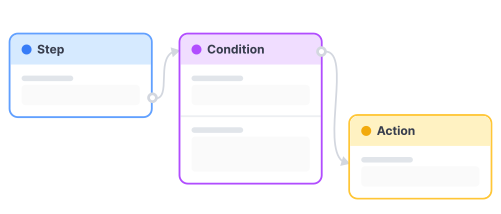
Streamline your decision-making process with an automated workflow and create robust AI applications, code-free.
Embeddings
Create user autho, form and data embeds within the CMS architecture that works with any stack to build application on top of Figma Sites, Webflow, ect.
.png)


