
.svg)
Version History
Induction to data and authentication all inside one application
Learn how flow versioning works in Rantir
Rantir keeps track of all published flows and their versions. Here’s how it works:
- You can edit a flow as many times as you want in draft mode.
- Once you’re done with your changes, you can publish it.
- The published flow will be immutable and cannot be edited.
- If you try to edit a published flow, Rantir will create a new draft if there is none and copy the published version to the new version.
This means you can always go back to a previous version and edit the flow in draft mode without affecting the published version.
As you can see in the following screenshot, the yellow dot refers to DRAFT and the green dot refers to PUBLISHED.
.svg)

.svg)

.svg)
Documentation Overview

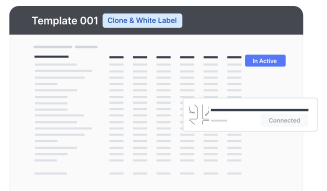
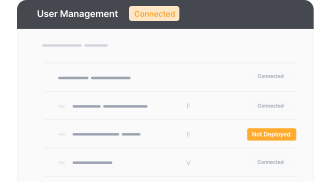

Licensing Explorer
Understand our GPL and Fair Use license combination for using templates & Rantir Cloud

Data & Authentication
Easily test and examine endpoint behaviors by making requests with Rantir Cloud.
TIR Customization
Effortlessly tailor the visual aesthetics & functionality of your SaaS application templates and learn how to chat with your template to make changes.
.png)
Integrations & Workflows
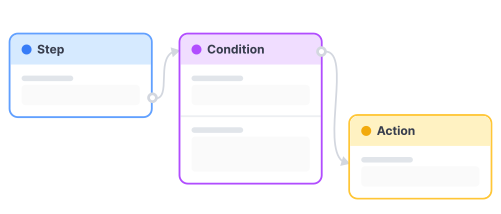
Streamline your decision-making process with an automated workflow and create robust AI applications, code-free.
Embeddings
Create user autho, form and data embeds within the CMS architecture that works with any stack to build application on top of Figma Sites, Webflow, ect.
.png)


